
Dropbox
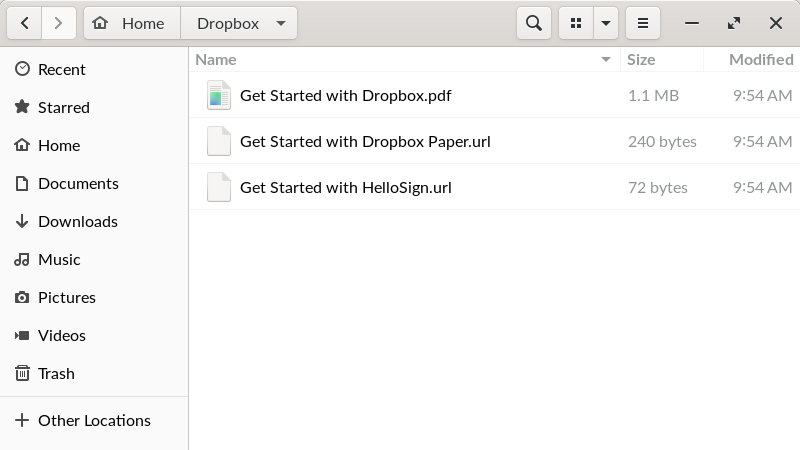
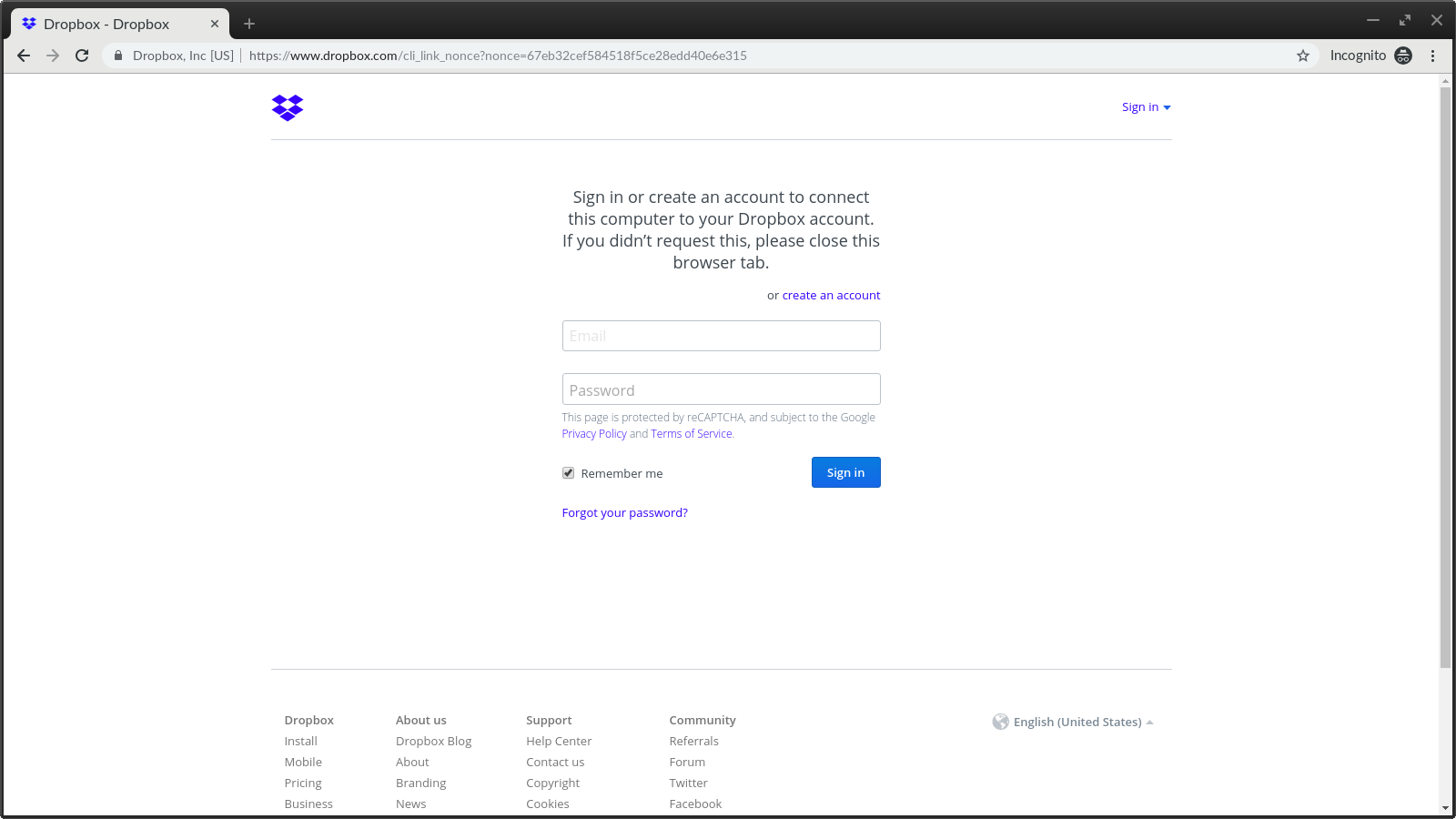
An in-depth review of the Dropbox cloud storage wrapper for Linux. Learn how this client helps you sync, back up, and share your files seamlessly.
While many cloud storage solutions struggle to provide native support for open-source environments, the Dropbox cloud storage wrapper for Linux bridges the gap, offering a reliable way to keep your local directories synchronized with the cloud. Rather than relying on clunky web interfaces or complex command-line scripts, this client wrapper integrates the familiar file-sharing ecosystem directly into your desktop environment, ensuring your workflow remains uninterrupted.
Streamlined File Synchronization on Linux
At its core, the Dropbox cloud storage client is designed to make remote file access feel local. Once configured, the application runs quietly in the background, monitoring your designated folders for any modifications. The moment you save a document, import a photo, or update a project file, those changes are immediately reflected across your account. This real-time synchronization ensures that you can move between your Linux workstation and other devices without worrying about version conflicts or manual uploads.
Key Features of the Linux Client Wrapper
- Automated Backups: Secure your crucial documents, music, and images automatically to prevent data loss from local hardware failures.
- Effortless Collaboration: Share directories with colleagues or friends directly, allowing for real-time collaborative editing and shared folder management.
- Universal Access: Retrieve your stored files from any computer with an active internet connection via the web or linked devices.
Who Is This Cloud Storage Client For?
This desktop wrapper is an ideal match for Linux users who require a dependable, no-fuss backup system that integrates seamlessly with their existing desktop environments. Whether you are a developer backing up source code, a creative professional archiving high-resolution images, or a student organizing coursework, the Dropbox cloud storage utility simplifies data management. It eliminates the friction of manual uploads, making it a highly practical tool for daily productivity.
Important Compatibility Note
It is important to note that this specific Linux package is a client wrapper. It is not officially verified, supported, or affiliated with Dropbox, Inc. Instead, it serves as a community-driven vehicle to deliver the standard desktop experience to Linux distributions via flatpak technology, ensuring easy installation and sandboxed security.
Get Started with Secure Cloud Storage
If you are looking for a straightforward way to keep your local files safe and accessible from anywhere, this client wrapper is well worth considering. To explore the application further, set up your account, or read user reviews, head over to the official Flathub store page to learn more about the installation process for your specific Linux distribution.