
Icon Tool for Developers
Read our comprehensive review of Icon Tool for Developers on Mac. Discover how this utility simplifies asset generation for Xcode and Android projects.
Streamlining Asset Generation with Icon Tool for Developers
As a developer, preparing asset catalogs for multiple platforms can be a tedious chore. The Icon Tool for Developers app asset generator is designed specifically to eliminate this friction on macOS. Developed by Hobbyist Software Limited, this utility allows you to take a single high-resolution source image and instantly output all the necessary sizes for iOS, watchOS, macOS, CarPlay, and Android platforms.
Intuitive Drag-and-Drop Workflow
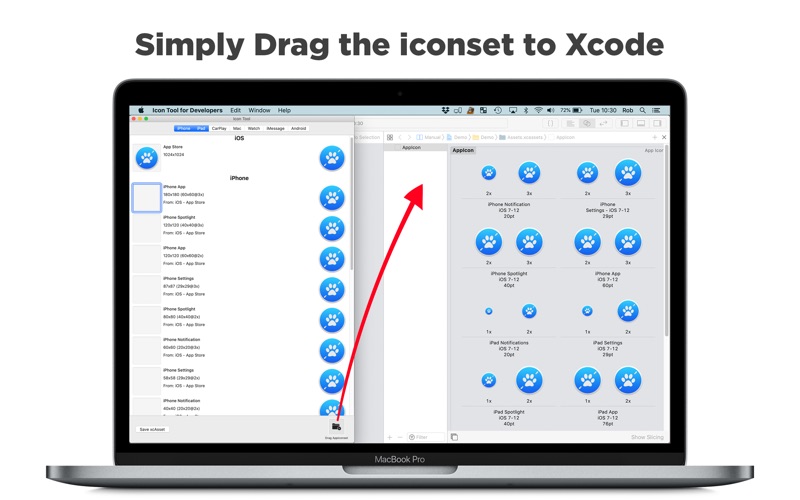
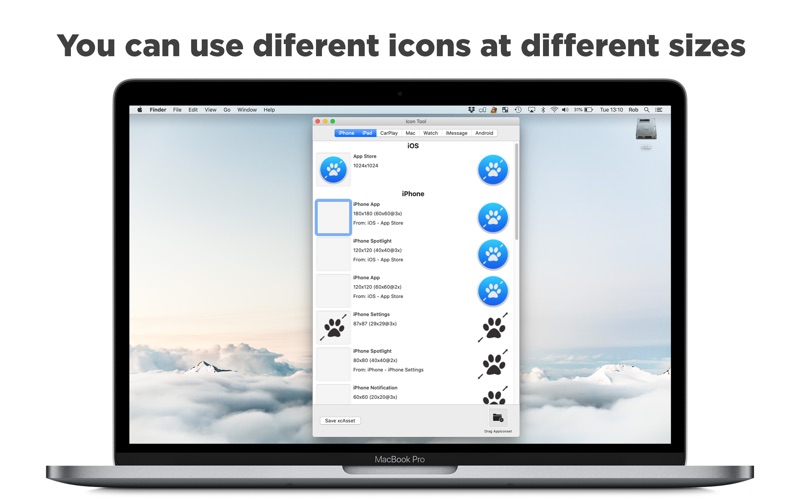
The user experience is built around speed. Instead of navigating complex export menus, you can simply drag a source image directly onto the dock icon, paste it from your clipboard, or drop it into the designated image wells. If you have specific assets for specific sizes, you can provide multiple files and let the app intelligently fill in the missing resolutions.
Key Features of the Icon Tool for Developers App Asset Generator
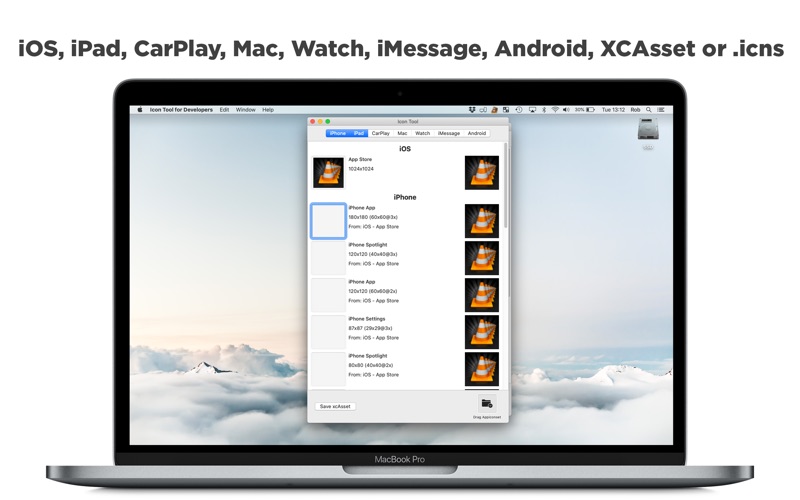
- Multi-Platform Support: Generate assets for iPhone, iPad, CarPlay, Mac, Apple Watch, iMessage (XCAsset), and Android.
- Flexible Input: Build your complete asset set from a single large file or supply multiple files for custom control.
- Xcode Integration: Drag the generated iconset directly into Xcode, or save your assets as standard .appiconset or .stickericonset formats.
- Mac .icns Export: Build standalone macOS .icns files easily leveraging the system's native iconutil tool.
Who is This Utility For?
This software is tailored for indie developers, UI/UX designers, and software engineers who want to automate the mundane task of resizing images for app store submissions. The free version operates as an unrestricted testing environment, outputting watermarked icons so you can verify layouts and run beta tests before committing to a distribution-ready license.
Licensing and Subscription Details
The app is free to download for experimentation and testing. To remove the "Icon Tool" watermark for production and app store distribution, a non-renewing one-year subscription is available. This straightforward, transparent licensing model ensures you only pay when you are ready to ship your finished product.
Final Verdict
By automating the creation of complex asset packages, this utility saves valuable production time. If you want to simplify your deployment pipeline, check out the Icon Tool for Developers app asset generator on the Mac App Store to see how it fits into your development environment.