
Multi Messenger – All-in-One Chat Hub
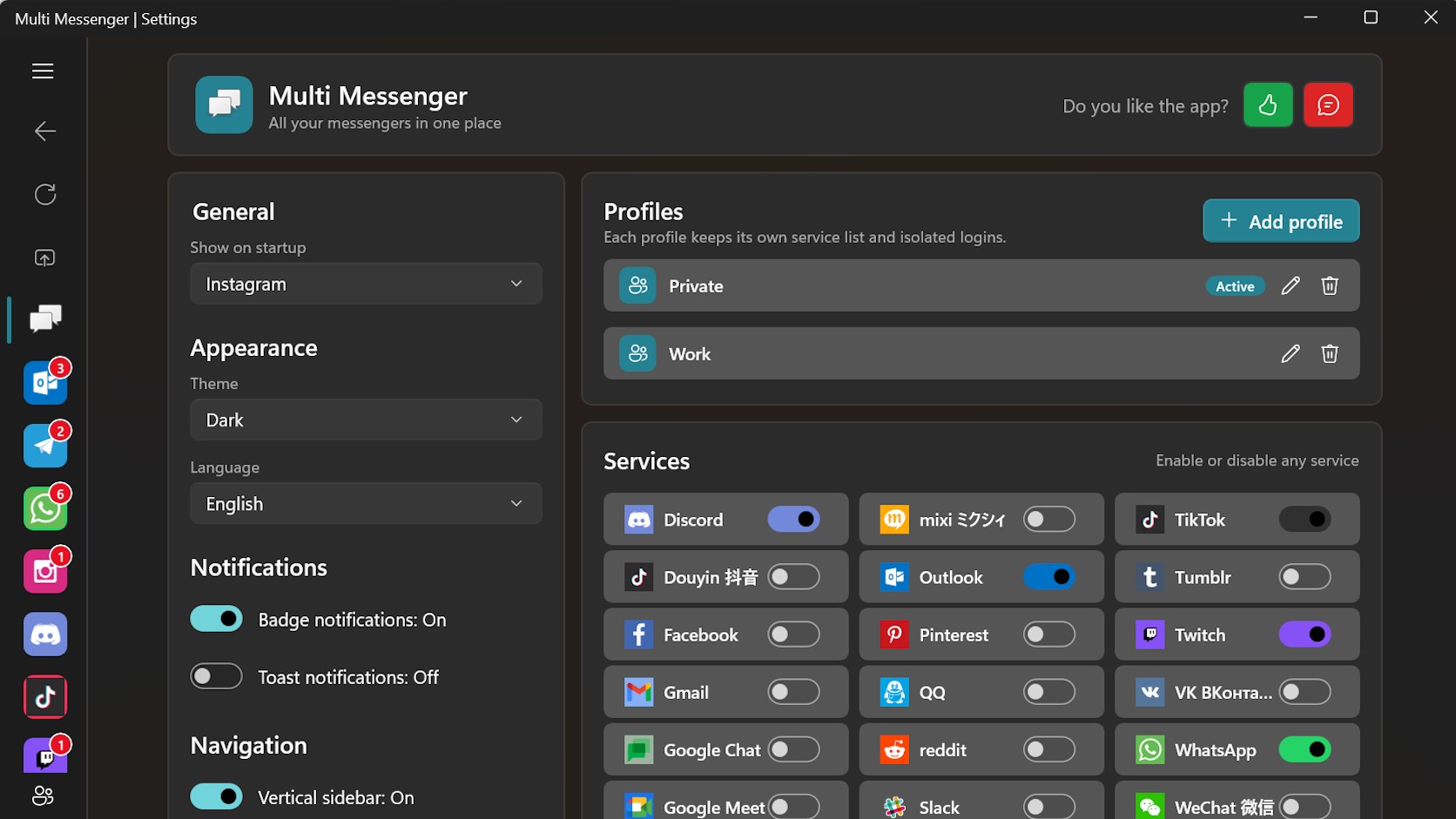
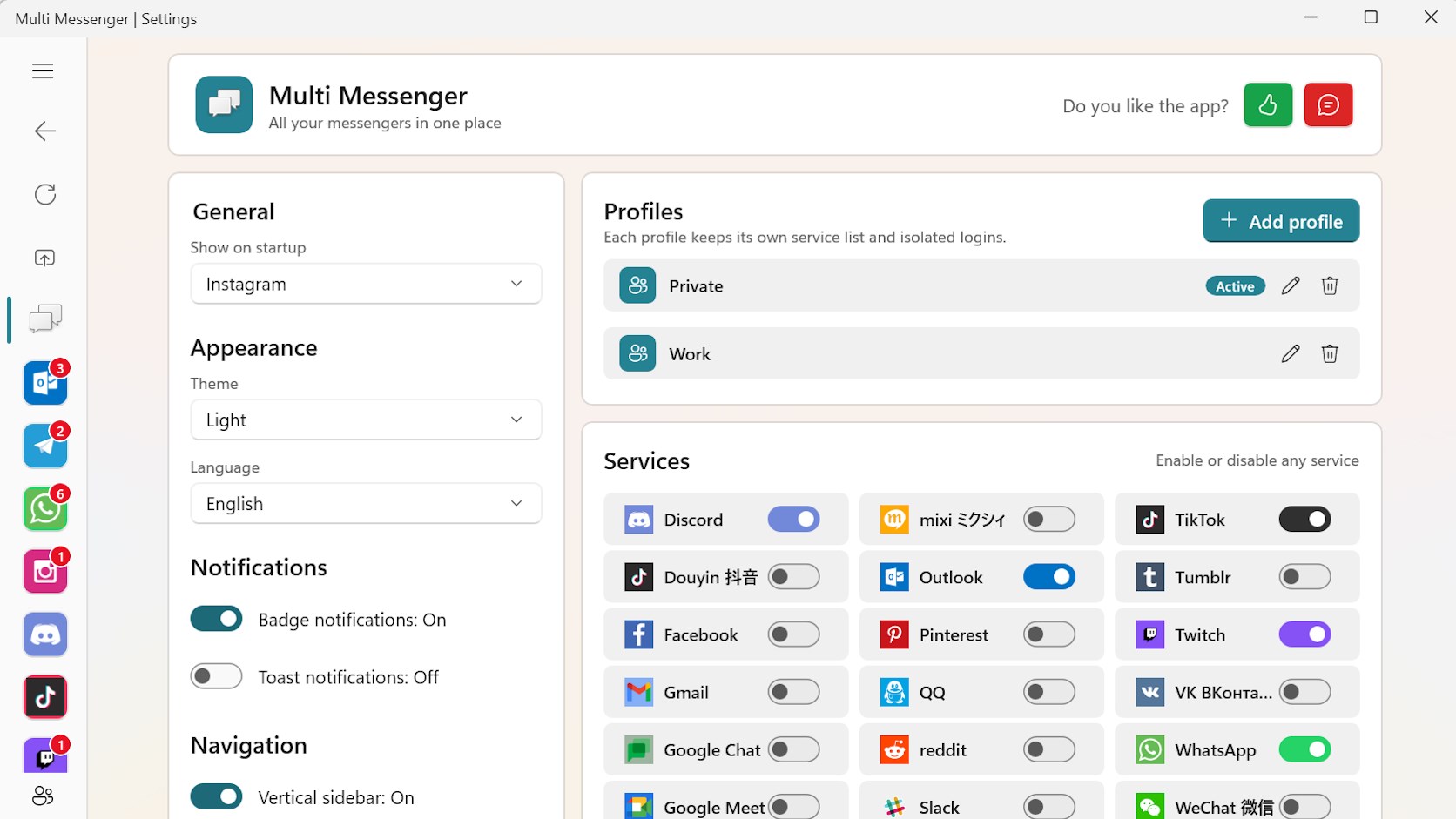
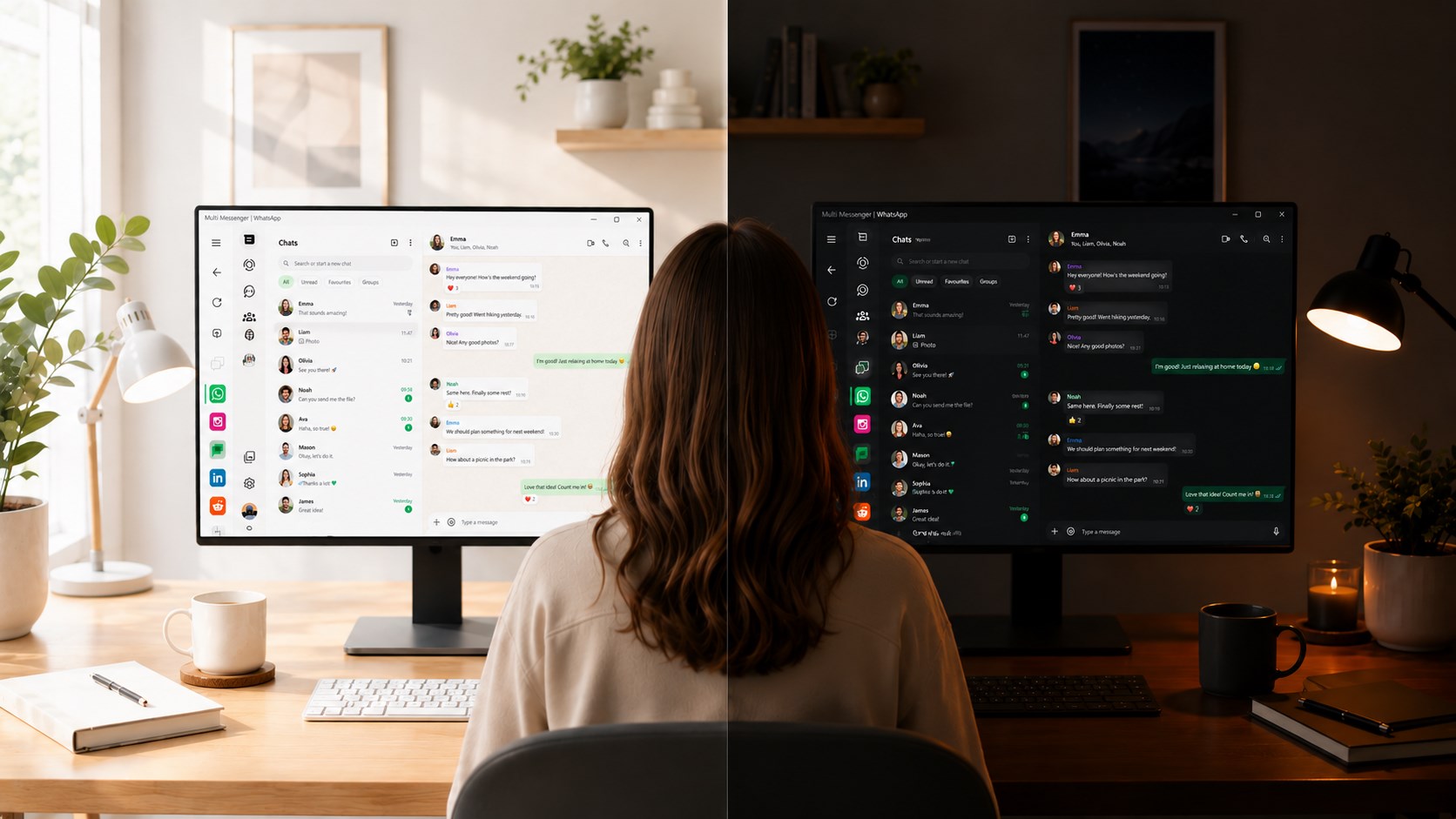
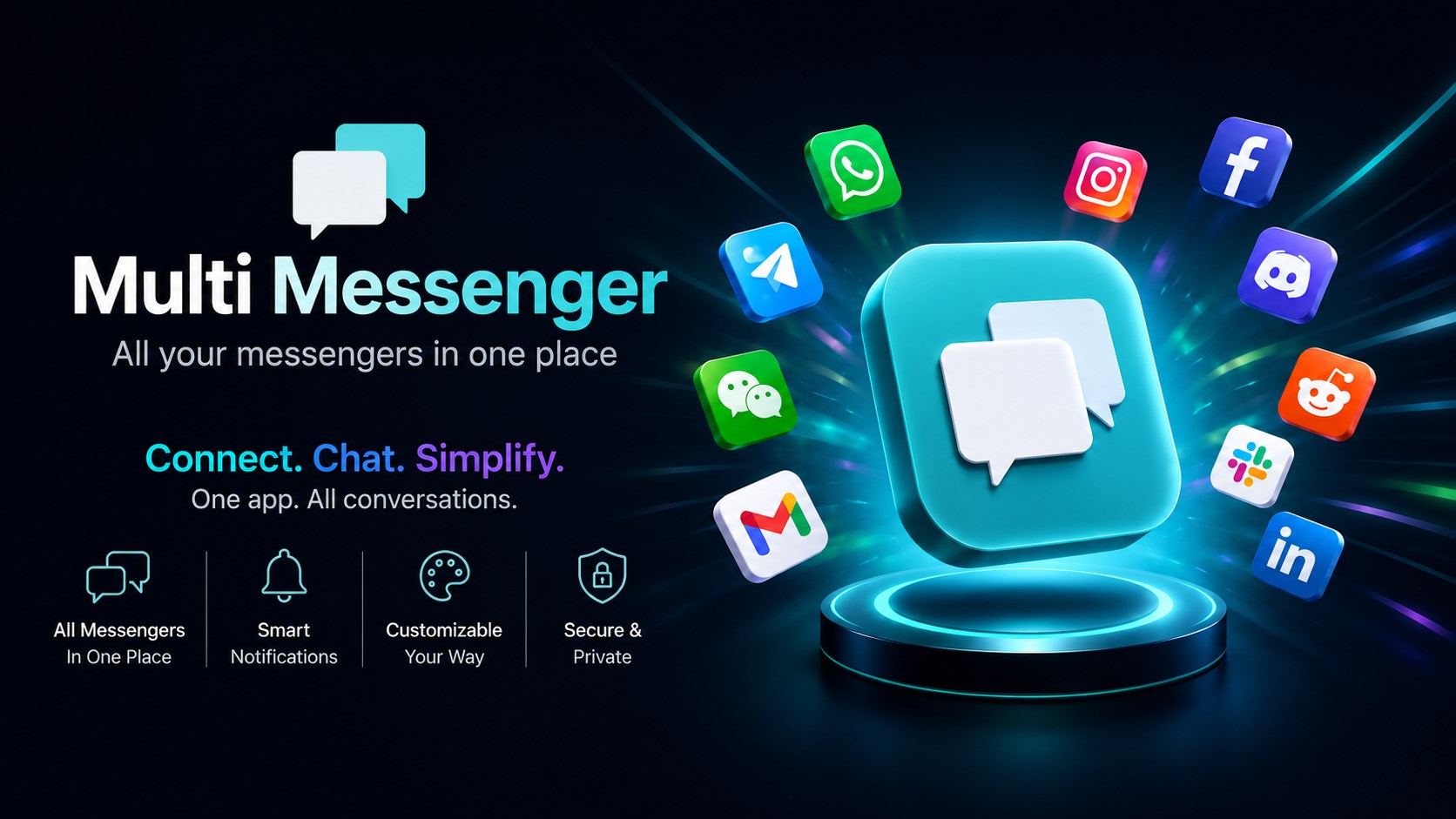
Read our comprehensive review of Multi Messenger – All-in-One Chat Hub. See how this Windows app organizes your social media, emails, and chats.
A Desktop Experience Designed to Declutter Your Workflow
Imagine launching your PC and having every single communication channel organized in one window, ready to go. That is the exact problem Multi Messenger – All-in-One Chat Hub solves for Windows users. Instead of losing your place in a sea of identical browser tabs or managing half a dozen heavy desktop clients, this software serves as a single, unified workspace for your entire digital life. It is a lightweight, structured alternative that simplifies how you stay in touch with your colleagues, friends, and communities.
The Power of Custom Profiles
One of the most impressive aspects of the Multi Messenger – All-in-One Chat Hub is its profile management system. This feature allows you to separate your digital workspaces based on context. You can configure unique setups such as:
- Professional Suite: Keep your work emails, collaboration platforms, and team chats grouped together.
- Personal Lounge: Dedicate a profile to social media, private direct messages, and family chats.
- Project Hubs: Create spaces tailored to specific freelance projects, hobbies, or community management tasks.
By organizing your services into distinct profiles, you can easily set boundaries between work and leisure, switching between contexts with a single click.
Streamlined Integration of Web-Based Services
Rather than attempting to reinvent the wheel, Multi Messenger – All-in-One Chat Hub acts as a secure, specialized container for official web interfaces. It displays your favorite messaging, social media, email, and community hubs exactly as their developers intended, but keeps them nested inside a single, resource-efficient app. This approach ensures maximum compatibility, immediate access to native web features, and a significantly cleaner Windows taskbar.
Who Is This Windows Utility For?
If you find yourself constantly hunting for the right browser tab to reply to a message, or if your PC slows down under the weight of multiple open communication apps, this software is built for you. It is particularly valuable for remote workers, digital marketers, community managers, and anyone who values a structured, distraction-free desktop environment.
Review Summary
By combining multiple web-based services into one customizable application, CodeView has delivered a highly practical productivity tool. It minimizes desktop clutter, boosts multitasking efficiency, and keeps your communication tools within arm's reach. To see how it can transform your daily workflow, explore the official Microsoft Store page to learn more about the Multi Messenger – All-in-One Chat Hub.