

Fotoris – AI Photo Editor
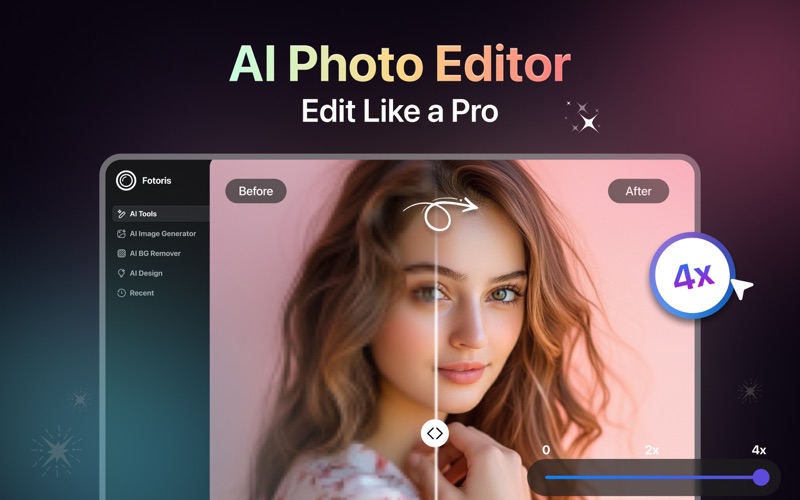
Read our comprehensive review of Fotoris – AI Photo Editor for Mac. Discover how this AI-powered design tool transforms your creative workflow.
Mac users seeking to elevate their digital imagery have a powerful new tool in their creative arsenal. Fotoris – AI Photo Editor, developed by CODEWAY (SMC-PRIVATE) LIMITED, is a dedicated design application built to streamline complex graphic tasks through advanced machine learning. Whether you need to generate completely new artwork from scratch or clean up existing product photography, this application acts as a versatile desktop studio.
Transforming Concepts into Digital Art
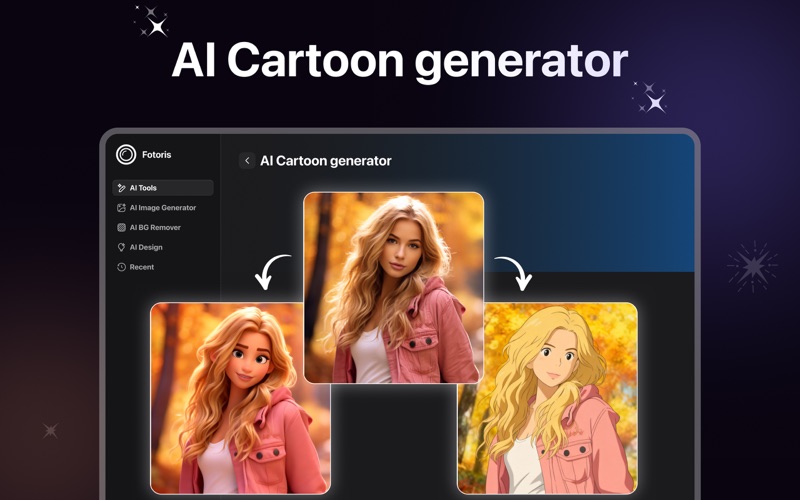
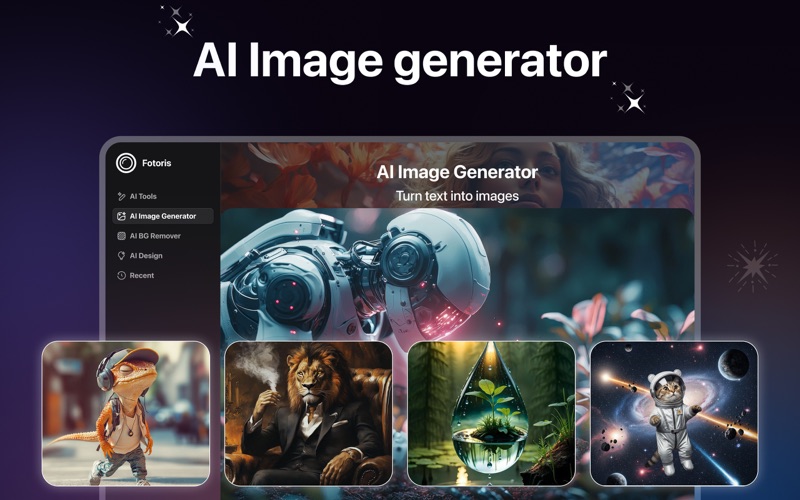
One of the most compelling aspects of this application is its generative capability. Users can input standard text prompts to watch the software synthesize unique visual assets. This feature bridges the gap between conceptualization and execution, allowing creators to experiment with different aesthetics instantly. Beyond text-to-image generation, the tool supports style transfers, turning simple sketches or standard photographs into stylized caricatures, expressive avatars, and custom digital paintings.
Professional Portrait and Lifestyle Adjustments
For portrait photographers and social media managers, the Fotoris – AI Photo Editor offers a suite of targeted enhancement tools. Instead of spending hours adjusting lighting or manually masking layers in complex desktop software, you can utilize automated modules designed for realistic modifications:
- AI Headshot Creator: Instantly generate professional-grade corporate headshots from casual snapshots.
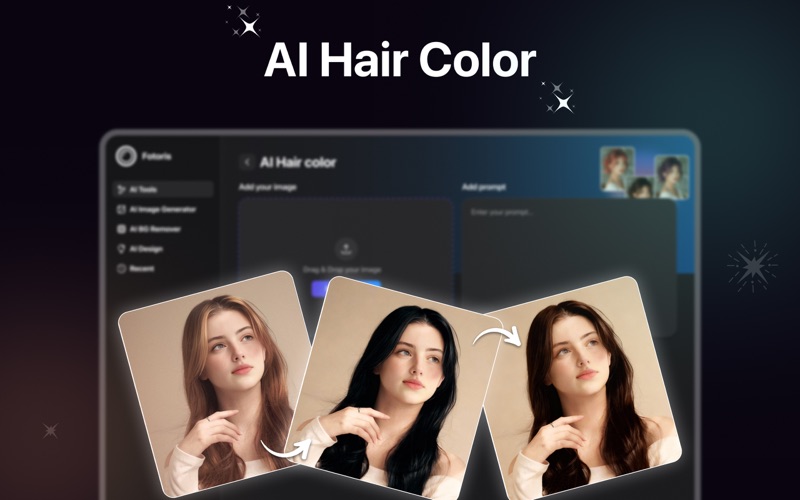
- Styling Controls: Experiment with virtual outfits, adjust hair colors, or test different hairstyles with natural-looking results.
- Seamless Face Swaps: Execute precise face replacements designed to match the lighting and perspective of the destination image.
E-Commerce and Commercial Design Tools
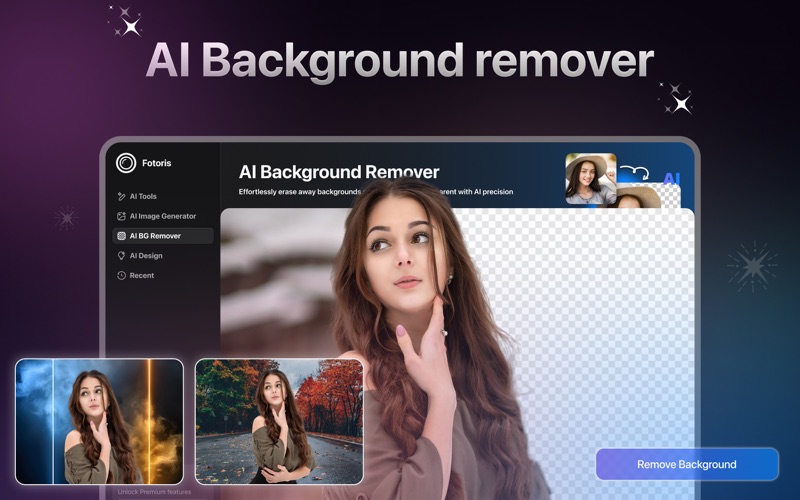
If you run an online storefront, high-quality product imagery is critical for conversions. The application provides dedicated commercial design features that simplify catalog creation. Users can leverage the automated background remover to isolate products instantly, then use the background generator to place those products into clean, studio-quality scenes. Additional utility tools, such as the built-in image upscaler and watermark remover, ensure your final marketing assets look sharp and professional at any resolution.
Is This Creative Suite Right for You?
This software is built for individuals who need quick, professional-grade visual assets without the steep learning curve of traditional design suites. It bridges the gap between automated generation and manual refinement, making it an excellent match for content creators, independent designers, and digital marketers working on macOS.
Ready to experience these intelligent design features firsthand? You can explore the application and check its current availability directly on the Official Mac App Store.