

YouPlay - Video & Music Player


Read our comprehensive review of YouPlay - Video & Music Player for Windows. Discover how this media tool streamlines your background playback and playlists.
An Efficient Windows Media Experience
Finding a lightweight, versatile media player that adapts to your multitasking workflow can be a challenge. YouPlay - Video & Music Player by Lion Group addresses this need directly for Windows users, offering a seamless environment to discover, organize, and enjoy your favorite digital media. Whether you are catching up on trending video content or listening to curated audio tracks, this application ensures your media remains accessible without disrupting your daily digital routine.
Key Features of YouPlay - Video & Music Player
This software is designed around modern user habits, prioritizing convenience and uninterrupted playback. Here are the core features that define the experience:
- Background Playback Support: You can minimize the application window and continue listening to your video soundtracks. This is highly beneficial for users who enjoy podcasts, talks, or background music while working in other Windows applications.
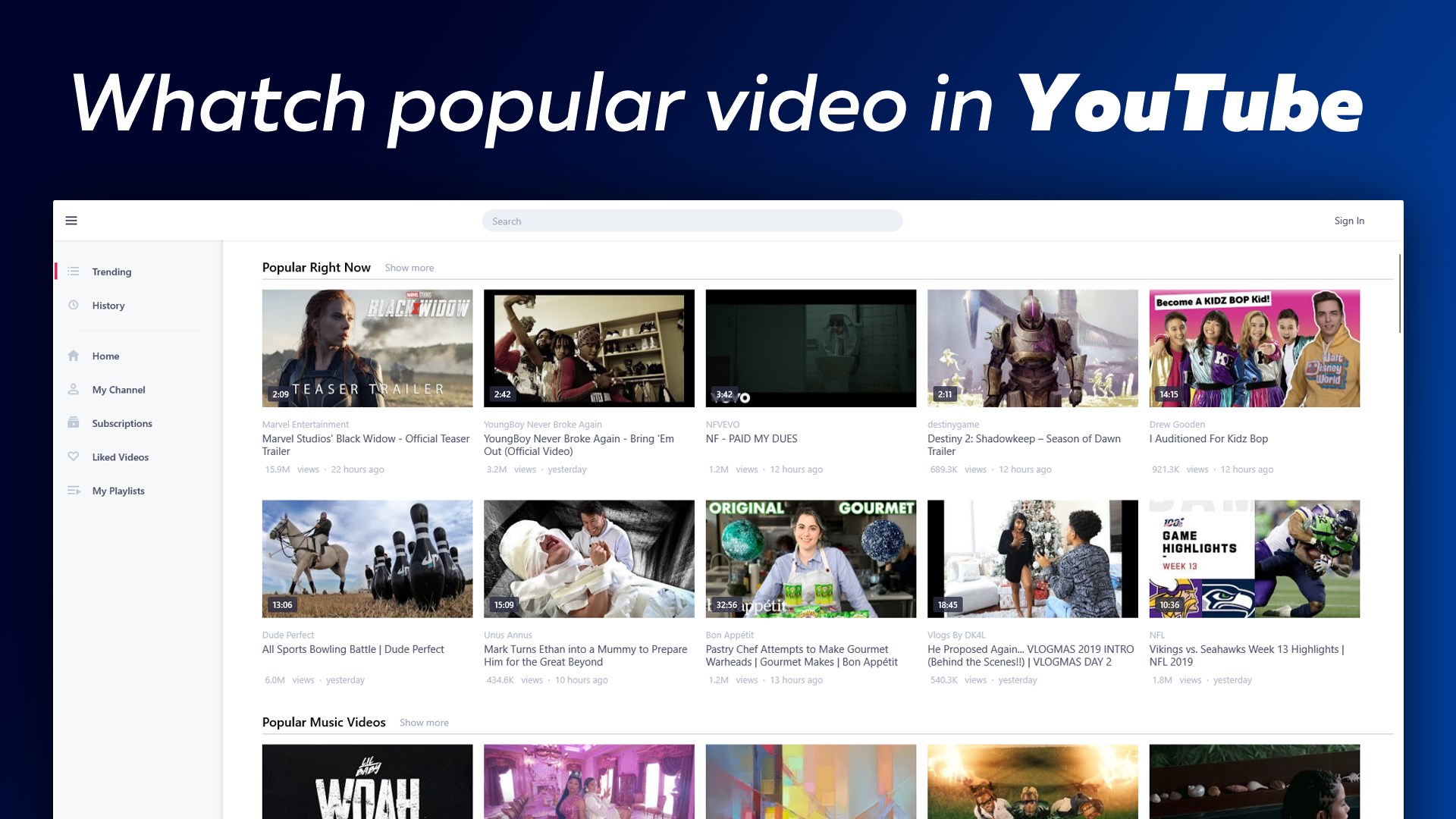
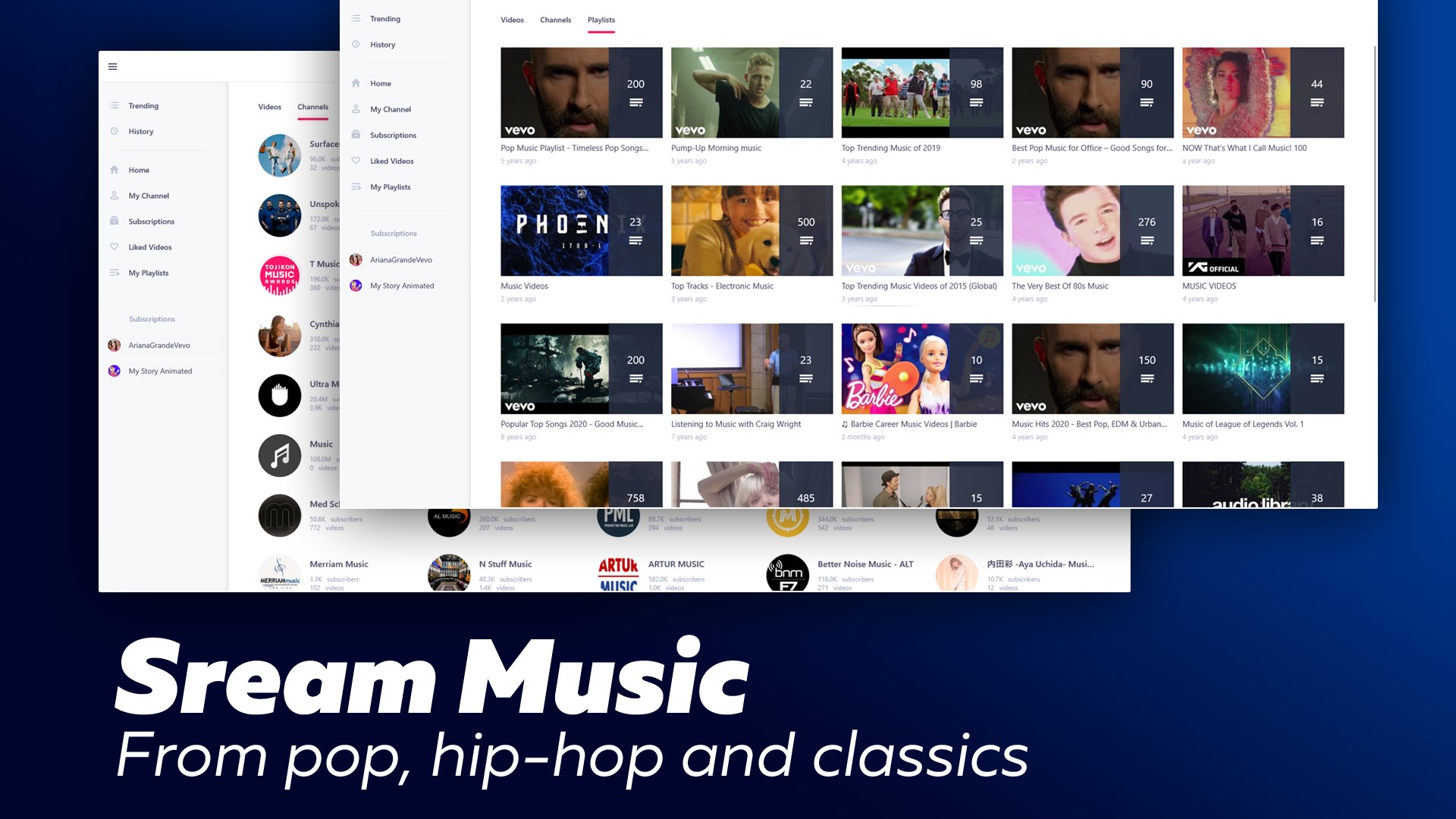
- Intuitive Content Discovery: Easily browse through structured video categories or utilize the integrated search functionality to locate specific clips and topics that match your current mood.
- Personalized Subscriptions: Keep track of your favorite content streams. By subscribing to specific channels or categories, you ensure that you stay updated on new releases without manual searching.
- Optimized for Windows: Built specifically for the Windows environment, the application delivers smooth navigation and utilizes system resources efficiently.
Who is This Media Player For?
YouPlay - Video & Music Player is highly suited for productivity-focused individuals who treat video platforms as audio feeds. If you frequently keep video tabs open just to listen to the audio while typing documents, coding, or gaming, the background playback feature of this app makes it an excellent alternative to standard web browsers. It is also a great fit for users who prefer a dedicated desktop client over cluttered browser interfaces.
Enhancing Your Daily Desktop Entertainment
The layout of the app focuses on minimalism, reducing the friction typically associated with heavy media centers. By allowing users to quickly search, categorize, and subscribe, Lion Group has created a straightforward tool that does exactly what it promises without unnecessary bloatware. It bridges the gap between active video watching and passive audio listening, making it a highly practical addition to your Windows taskbar.
Explore the App
If you are looking to streamline how you consume desktop media, this utility offers a robust, free solution. To see how it fits into your daily routine, you can read more user feedback and check out the application on the official Microsoft Store.